
Table of Contents
- Quick Comparison: Affordable Smart Home Gadgets Under $80
- How to Build a Smart Home on a Budget in 2026
- 1. Magnetic Phone Mount: The $14.99 Desk and Kitchen Workhorse
- 2. Social Media Camera Remote: Hands-Free Content for $19.99
- 3. Auto Mouse Mover: The $24.99 Fix for Screen Lockouts
- 4. Automatic Stirring Cup: $29.99 Morning Routine Upgrade
- 5. UV Toothbrush Sanitizer: $29.99 Bathroom Hygiene Gadget
- 6. Magnetic Selfie Light: $29.99 for Better Video Calls and Content
- 7. Tap to Pay Magic Wand: A $14.99 Gift That Actually Gets Used
- 8. Portable Small Projector: The $79.99 Splurge That Still Fits the Budget
- Frequently Asked Questions
Last Updated: September 15, 2026
Quick Comparison: Affordable Smart Home Gadgets Under $80
Building a connected home doesn't require a second mortgage. According to consumer technology research from Statista, the average household now runs multiple smart devices, yet most shoppers still assume real automation starts at triple-digit prices. This guide from Velora proves otherwise. We've pulled together eight affordable smart home gadgets for 2026, every one priced under $80, with the cheapest at just $14.99.
Below, you'll see what each gadget does, who it's for, and where it falls short.
| Gadget | Price | Best For | Standout Feature |
|---|---|---|---|
| Magnetic Phone Mount | $14.99 | Hands-free viewing | Double-sided suction grip |
| Social Media Camera Remote | $19.99 | Content creators | Wireless shutter control |
| Auto Mouse Mover | $24.99 | Remote workers | Automatic cursor movement |
| Automatic Stirring Cup | $29.99 | Busy mornings | Magnetic rotating stirrer |
| UV Toothbrush Sanitizer | $29.99 | Bathroom hygiene | UV sanitizing storage |
| Magnetic Selfie Light | $29.99 | Video calls | Six lighting modes |
| Tap to Pay Magic Wand | $14.99 | Gifting | Contactless payment design |
| Portable Small Projector | $79.99 | Movie nights | 720p mini design |
How to Build a Smart Home on a Budget in 2026
Building a smart home on a budget means buying one useful device at a time. Start with a single room, confirm each device works with what you already own, then expand. The difference between a $200 setup that still works in three years and a $200 pile of orphaned gadgets comes down to two pre-checkout decisions: which wireless protocol you're buying into, and whether the device needs the cloud.

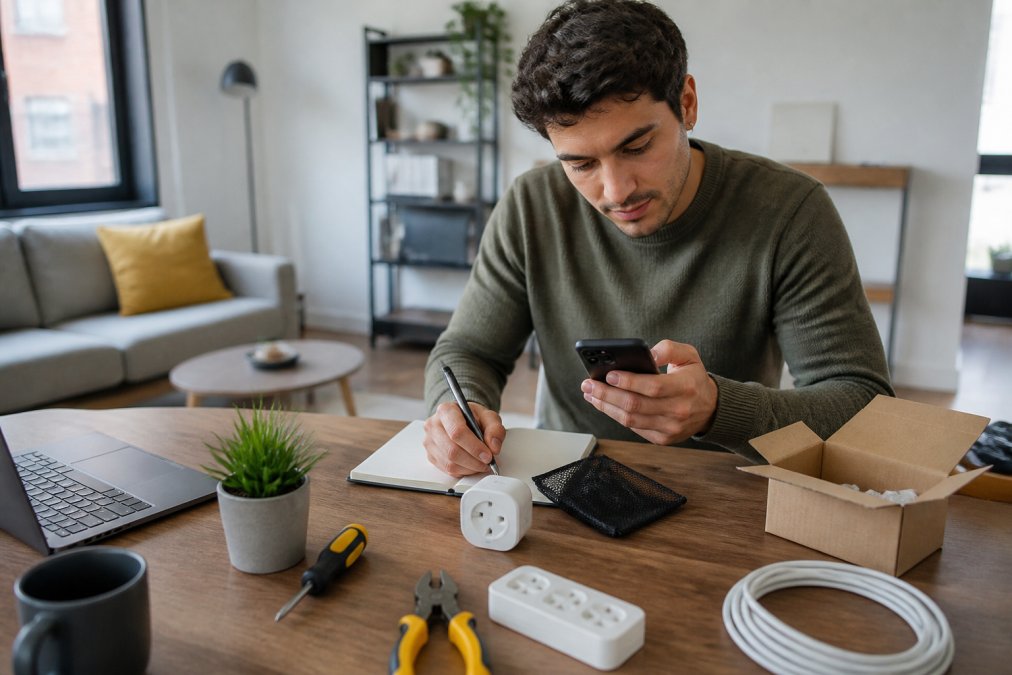
Start with One Room, Not the Whole House
Pick the room where you spend the most time and solve one annoyance there first. A desk needing hands-free phone access, a cluttered bathroom counter, or a kitchen where drinks need constant stirring all beat a vague plan to automate everything.
The Three Protocols You'll Actually Encounter
Almost every budget smart device talks over one of three radios, which determines what it can talk to later:
- Wi-Fi (2.4 GHz): No hub required, works with your existing router, and is the most common choice for smart plugs, bulbs, and cameras under $30. The trade-off: each device occupies a network slot, and cheap Wi-Fi chips cause most "device offline" alerts.
- Bluetooth / Bluetooth Low Energy (BLE): Common in locks, sensors, and setup-only pairing. Great for one-off phone control, poor for automation since no always-on hub listens for commands.
- Zigbee and Z-Wave: Mesh protocols requiring a hub or bridge. More reliable at scale and easier on batteries, but they add a $30-$70 hub before the first bulb works.
A practical rule: under five smart devices, Wi-Fi is fine (fcc.gov). Heading toward ten or more, a Zigbee or Z-Wave hub pays for itself in fewer dropped connections and less router congestion.
Check Compatibility Before You Buy, and Check for Matter
Compatibility is the biggest reason budget smart home purchases get returned. Before checkout, confirm four things: the wireless standard, whether it needs a hub or bridge, whether the companion app runs on your phone, and whether it carries the Matter certification mark.
Matter is the interoperability standard backed by Amazon, Apple, Google, and Samsung, the industry's closest thing to a universal translator (Build With Matter). A Matter-certified device works with Apple Home, Google Home, Amazon Alexa, or Samsung SmartThings without a manufacturer-specific bridge, so a $25 Matter bulb bought today won't be stranded if you switch phone platforms in 2028.
Two caveats before paying a premium for the logo:
- Matter over Wi-Fi vs. Matter over Thread. Many Matter devices use Thread, a low-power mesh radio requiring a Thread border router, included in some, but not all, smart speakers and hubs. Check whether your hub doubles as one before buying Thread devices.
- Matter 1.0 launched in late 2022 and the spec is still expanding. Cameras and some energy features arrived later, so an older Matter device may support fewer device types than a newer one with the same logo.
Most shoppers skip this step, then discover their new device won't talk to anything else they own, after the return window has closed.
Budget Allocation: Where the Money Should Go
A common pattern among people who build a lasting system: spend roughly 60% of the first $200 on the hub or speaker anchoring the system, and 40% on endpoints. Don't cheap out on the anchor, every future purchase talks to it. Endpoints (plugs, bulbs, sensors) are where budget shopping pays off, since a $12 Matter plug and a $40 name-brand plug do the same job on the same network.
1. Magnetic Phone Mount: The $14.99 Desk and Kitchen Workhorse
The Magnetic Phone Mount is the cheapest genuinely useful gadget on this list. A double-sided suction cup holds your phone against a mirror, counter, or desk, and the magnetic grip keeps it steady for video calls, recipes, or recording.

What works: the repositionable design moves from kitchen to bathroom to desk without tools, the gadget people reach for daily without thinking.
What doesn't: suction cups lose grip on textured or dusty surfaces, so wipe the spot first, and it's no substitute for a tripod in long filming sessions.
2. Social Media Camera Remote: Hands-Free Content for $19.99
A compact wireless remote that triggers your phone's shutter, the Social Media Camera Remote solves one problem well: taking photos and videos without holding the phone. Pair it, prop your phone up, and shoot from a distance.
The honest limitation is range and pairing friction, cheap remotes occasionally need re-pairing between sessions. For group shots, solo content, and hands-free recording, $19.99 is a fair trade.
3. Auto Mouse Mover: The $24.99 Fix for Screen Lockouts
The Auto Mouse Mover is a plug-and-use device that nudges your cursor at regular intervals so your computer doesn't sleep or lock you out.
4. Automatic Stirring Cup: $29.99 Morning Routine Upgrade
5. UV Toothbrush Sanitizer: $29.99 Bathroom Hygiene Gadget
6. Magnetic Selfie Light: $29.99 for Better Video Calls and Content
7. Tap to Pay Magic Wand: A $14.99 Gift That Actually Gets Used
8. Portable Small Projector: The $79.99 Splurge That Still Fits the Budget
Frequently Asked Questions
What are the best budget smart home devices for 2026?
The best budget smart home devices for 2026 focus on solving one specific problem well. A magnetic phone mount at $14.99 handles hands-free viewing, an auto mouse mover at $24.99 stops screen lockouts during long tasks, and a portable small projector at $79.99 turns any wall into a movie screen. Pair these with a smart plug to automate lamps and fans. Start with two or three devices that match your daily pain points instead of buying a full kit you will not use.
How can I build a smart home on a budget without wasting money?
Pick one room and one routine to automate first. A bedroom setup might be a smart plug for a lamp plus a magnetic phone mount for bedside viewing. A home office might be an auto mouse mover plus a magnetic selfie light for video calls. Check that each device works with your phone or existing hub before buying. Buying one device at a time lets you test what actually saves time before spending on the next gadget.
Do affordable smart home devices work with major platforms like Alexa and Google Home?
Many budget smart home gadgets work with Alexa and Google Home, but compatibility varies by device. Smart plugs and smart bulbs almost always support both platforms. Smaller gadgets like a UV toothbrush sanitizer or automatic stirring cup are standalone and do not need a hub at all. Before buying, check the product page for the Works With Alexa or Google Home badge. If a device only works through its own app, that is fine as long as you are comfortable with one more app.
Are cheap smart home devices safe to use?
Affordable smart home gadgets are safe when they carry a recognized safety certification and come from a seller with a clear return policy. For anything that plugs into a wall outlet, look for a UL or ETL mark on the product or packaging. For battery-powered gadgets, check that the charger and battery are listed in the product specs. Avoid listings with no brand name, no certification, and no return window. A $15 smart plug with proper certification is safer than a $5 one without.
Which smart home gadgets offer the best value for money in 2026?
The best value comes from gadgets you use every single day. An auto mouse mover at $24.99 pays for itself if it prevents one lost work session. A magnetic phone mount at $14.99 replaces a $30 stand and works in the kitchen, car, or shower. A portable small projector at $79.99 replaces a TV for casual movie nights. Rank any gadget by how many times per week you will actually touch it, then buy the ones at the top of that list.